
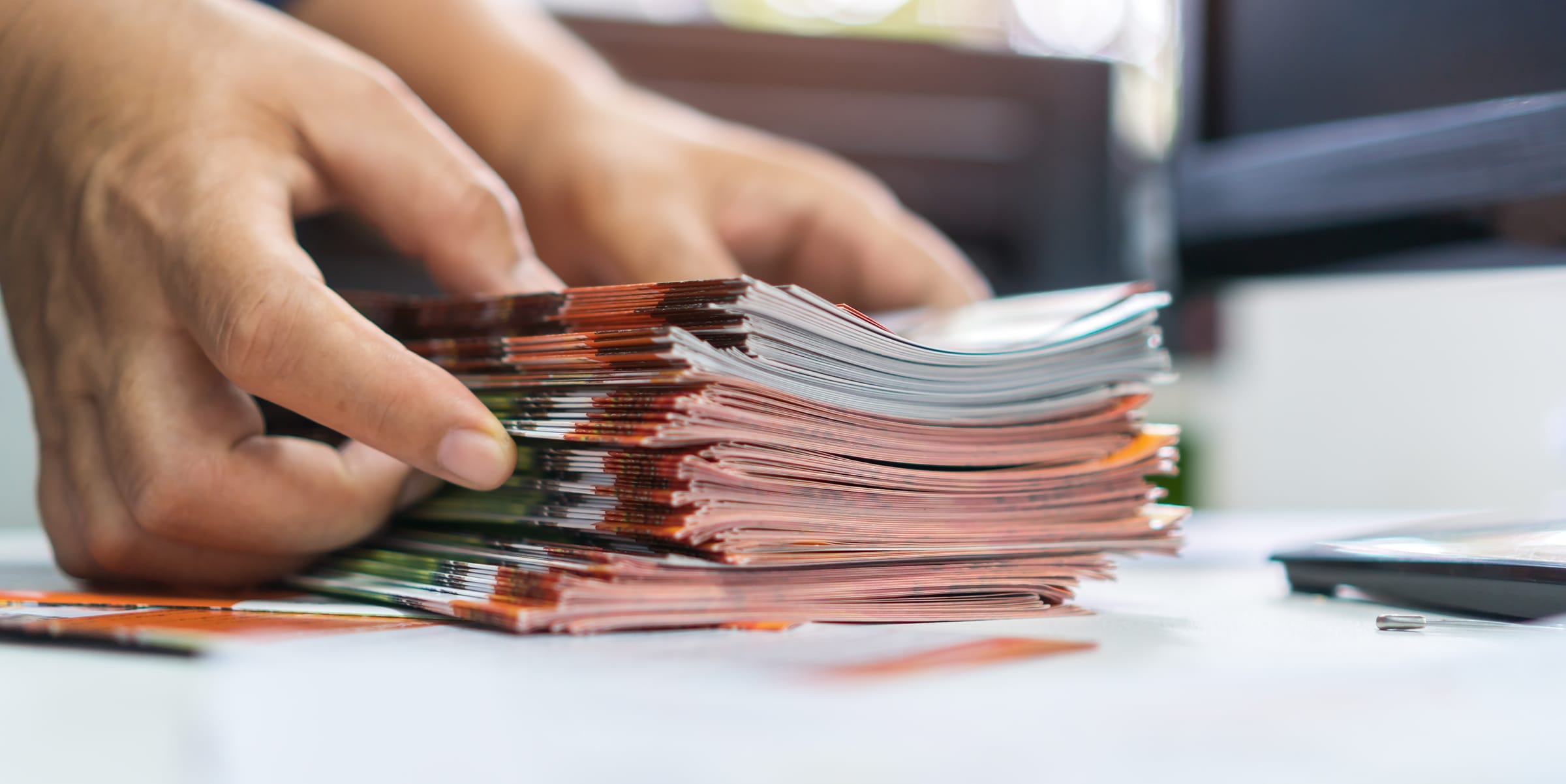

Thinking about a custom booklet printing? As a business owner, you’re always looking for low-cost, effective ways to market your product or service. One of the best methods is to use custom booklet printing. Booklets that highlight your company can be used as catalogs, work portfolios, or convention booth handouts.
Custom booklet printing is:
- Fast and easy to create
- Affordable to print and ship
- Adaptable to any industry
In this article, we’ll cover the basics of producing a custom booklet printing.
Get Started with Custom Booklet Printing
What’s the Purpose?
Start by figuring out the booklet’s goal. Is it a sales catalog, product guide, employee onboarding packet, or event program? The goal will guide the content and pictures you include. At this stage, start thinking about the booklet’s size and page count. Those will affect the paper and binding choices you’ll have.
Focus on Design
Your booklet can be of any size you need. Standard sizes include digest (5.5 x 8.5), letter (8.5 x 11), or any custom size. Pick one that fits your content.
Choose a single strong image for the cover. For a business booklet, a clean, uncomplicated design works best. Use plenty of white space and an easy-to-read font size (not smaller than 12 points) to make it more readable. Stick to one or two fonts at the most.
Make Printing and Binding Choices
Your binding choices include saddle stitch, perfect binding, wire-o, or plastic coil binding. Each has its pros and cons. Perfect binding conveys a more professional look. Your paper choices will also affect the type of binding you can use in custom booklet printing. You can add satin, matte, gloss, or custom finishes to your paper.
Print your front and back covers on heavier paper to give your custom business booklets a finished look and feel. A gloss laminate will make your covers stand out.
Professional graphic design will make your booklet look its best. If you’re on a tight budget, however, you can create an attractive book using design software programs like Canva, Illustrator, and Adobe InDesign.
9 Steps to Custom Booklet Printing
1 Define the purpose and size of your booklet. Specify the size, page count, binding selection, interior paper type and weight, cover paper weight, and whether you want lamination on the covers.
2 Get templates and technical specs from the printer. Download the printer’s standard template for booklets. The template will have the correct trim lines, bleed zones, and safe zones. Confirm the file format requirements.
3 Complete the design. You can design your booklet in InDesign or another software program. Set up the layout as a single-page PDF. Set images at 300 dpi in the CMYK color profile. Keep the page count to whatever multiple the printer needs for binding. This is usually multiples of 4.
4 Run a preview print to make sure the color resolution, images, bleeds, and other elements are in place. Make any final corrections, and then export the booklet into a print-ready PDF file.
5 Your booklet is now ready to print. Talk to your printer to choose your product options, upload the PDF, and select your shipping/turnaround time. Your printer will double-check the file for all essential elements.
6 Before the booklet is physically printed, your printer supplies a digital proof. If the color resolution is critical, ask for a physical sample, so you can see exactly what it will look like in the final, printed version. For most business publications, a digital proof is enough. Make corrections, and return the corrected proof to the printer.
7 The job now moves to the presses. Typical turnaround times will depend on the printer’s capabilities, the quantity, and any extra options you’ve chosen.
8 The job is done, the presses have run, and your booklets are now printed and ready to go. Once you receive the boxes, open them right away. Inspect the booklets for color, trim accuracy, cover images, and pagination. If everything looks good, you can approve the final delivery. If you see any errors, contact the printer immediately.
9 Your new booklets are ready to mail to customers, hand out at events, or ship to your company’s fulfillment centers.
Keep the Costs of Custom Booklet Printing Low
The more work you can do ahead of time to prepare your booklets, the less time you’ll spend going back and forth with your printer. Custom booklet printing is affordable, but certain factors will contribute to raising or lowering costs. Consult with your printer, who may have step-by-step guides and customer service representatives to guide you through every step.
Cost is driven by print quantity, page count, paper weight, and number of units. Special finishes and custom sizes will add to the cost. So will rush turnarounds, complex jobs, heavy finishes, and some specialty papers. Heavier stock paper will increase your mailing costs.
Custom Booklet Printing Is a Smart Marketing Move
Because they’re adaptable and quick to print, booklets are a great marketing tool for any business. We hope you find this guide useful. If you have any questions about submitting files to a professional printing company, contact Dazzle Printing.


